
The right help, right around you.
From lunch to an urgent repair, Zndux helps you discover trusted local vendors without the usual runaround.

Food & catering
Restaurants, home chefs, bakers and caterers.
Find vendorsHome repairs
Plumbers, electricians, AC technicians and more.
Find vendorsDelivery & logistics
Fast local dispatch, pickup and delivery.
Find vendorsBeauty & grooming
Barbers, stylists, makeup artists and spas.
Find vendorsCleaning
Home, office and specialist cleaning services.
Find vendorsProfessional help
Consultants, technicians and skilled specialists.
Find vendorsHealth & wellness
Pharmacies, therapists and wellness vendors.
Find vendorsShops & essentials
Everyday products from businesses close to you.
Find vendorsAsk through a familiar channel and connect with the local service you need.

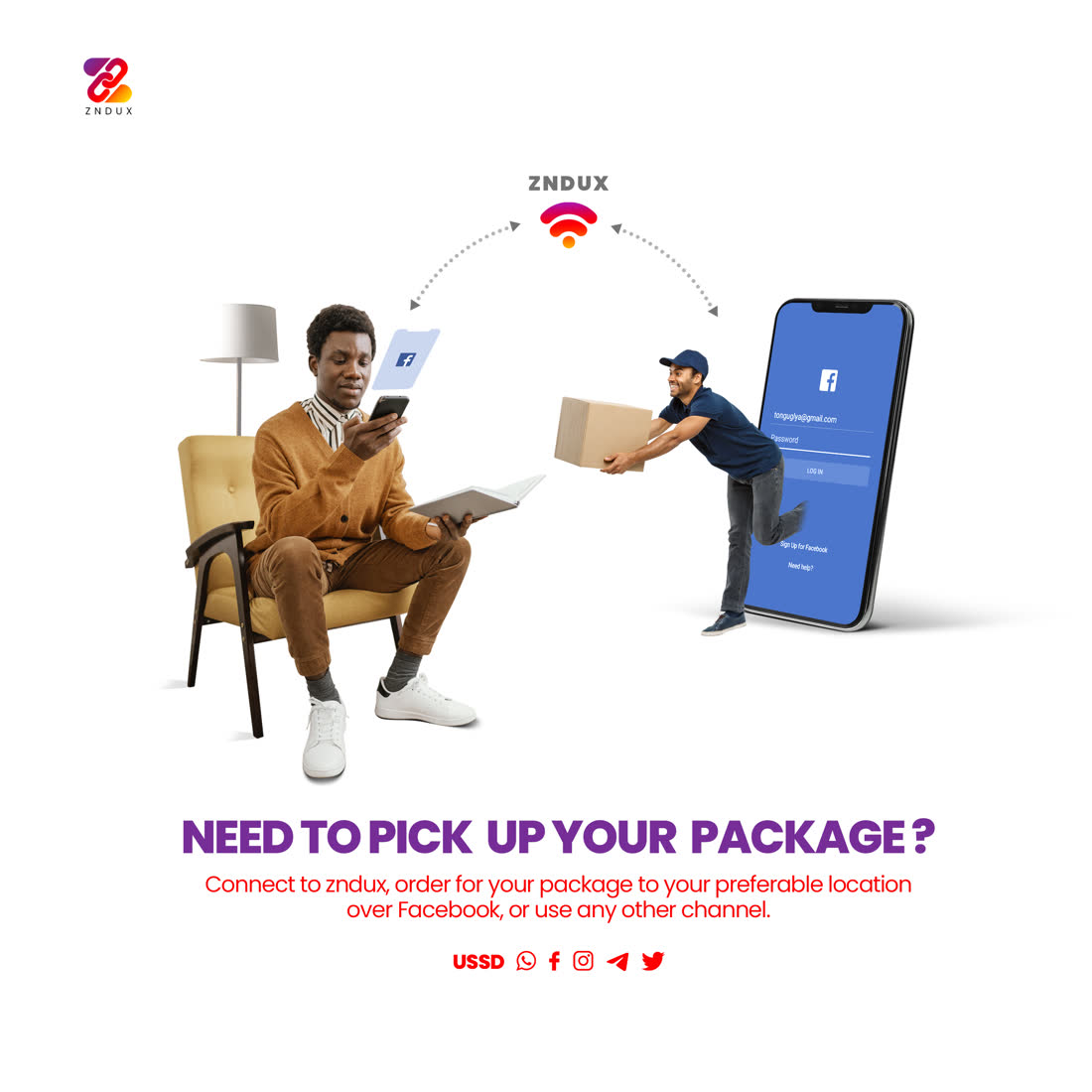

A shorter path from need to done.

- 01
Tell us what you need
Search in plain language—just like asking someone nearby.
- 02
See trusted options
Compare relevant vendors closest to your location.
- 03
Connect your way
Reach the vendor through the channel that works for you.
From local talent to a profile people trust.
A vendor gives Zndux the details customers need to decide confidently. Anaiyah turns those details into a clear, searchable profile.
- 01
Create your identity
Add your name, service category, contact details and a friendly profile photo.
- 02
Set your service area
Choose where you work, how far you travel and when customers can reach you.
- 03
Show your work
Add services, starting prices, work photos and the way you prefer to receive requests.
- 04
Verify and go live
Zndux reviews your details, adds your trust badge and makes you discoverable nearby.
Let customers see what you do best.
Add your services, area, availability and starting prices. Submit identity evidence privately, then wait for an independent review before your profile appears in discovery.
Create your vendor profileBe found when your neighbourhood needs you.
Join Zndux to reach nearby customers, build your reputation and grow your business through verified local demand.
- Get discovered by customers nearby
- Showcase your services and availability
- Build trust through community reviews
Start with a profile you can come back to.
Your draft saves to your account. Add your service details and identity evidence, then submit for independent verification.
Create or manage your profile